PixelMapping
Introduction
Pixelmapping enables you to control the color of lighting equipment using movies. This is typically used to synchronize the color of the videomapping with the color of the lighting.
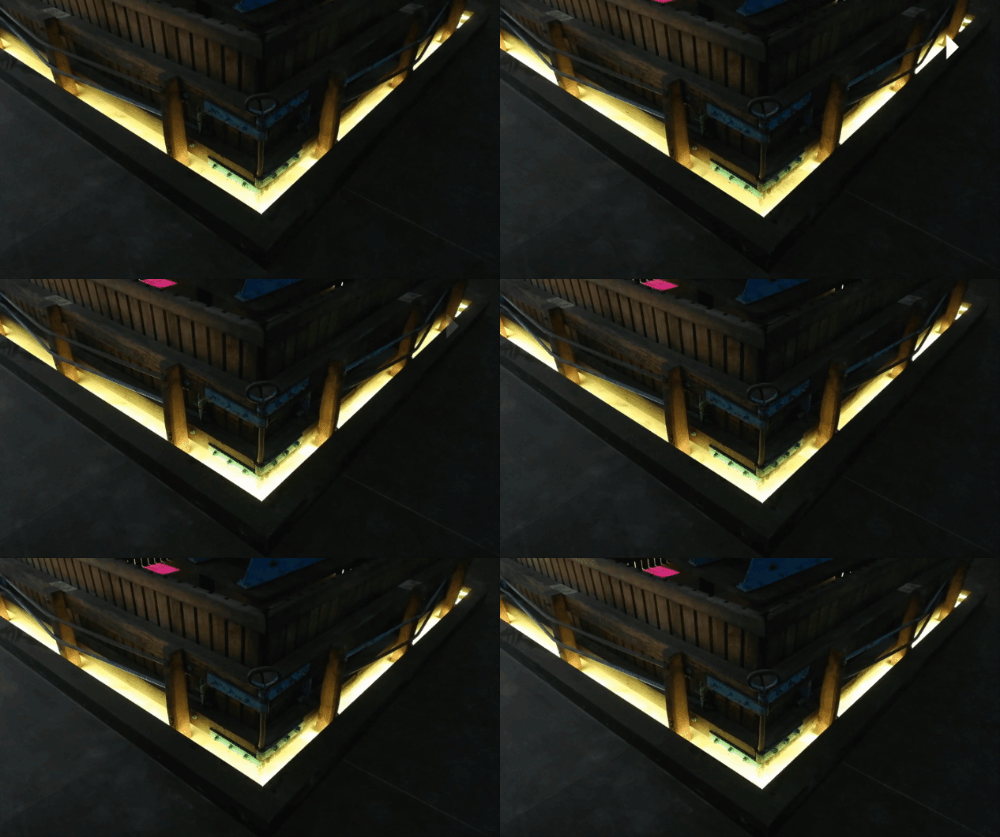
In this example a small gradient video controls a LED ribbon using the ArtNet protocol.
Onlyview can also record ArtNet from a lighting console, and play it back later; See the documentation of the ArtNet device.
Glossary
DMX: Hardware protocol, using dedicated cables and connectors, used to control lighting equipment. A DMX cable can carry 512 values, so 170 RGB pixels max.
ArtNet: Ethernet version of DMX. Can carry many DMX "cables", called "Universes". Some hardware is directly ArtNet compatible; for DMX-only hardware, converters are needed.
Channel: Identifies a specific value of a DMX universe amongst the 512.
Output: The network card of a Media Server. Identified by its IP address. A single Media Server can have multiple network cards.
Patch: A zone of a screen (or TextureArea) that is pixelmapped on a specific ArtNet address. A single Output typically has multiple Patches.
Fixture: Describes how a particular hardware model expects its data. A LED ribbon can be 100px long but only 1 pixel wide; a panel can be 12x12. Some equipment expects RGB data, some RGBW. A fixture describes this. A fixture can be re-used: if you have 10 Maverick MK3, you only need to describe them using 1 fixture.