Web Panel
WebPanel
Basic usage
A UserScreen can be exposed on the network as a normal web page.
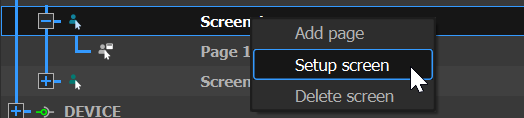
In the OBJECTS tab, right-click on the screen, select "Setup", then check "Exposed on WebPanel":
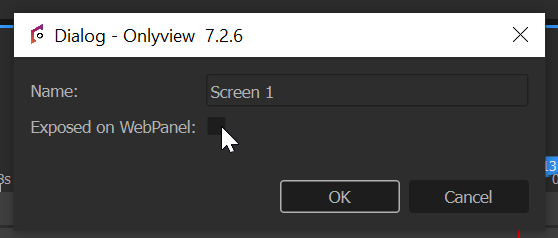
You can then visit http://127.0.0.1:8080/ on any browser, and the UserScreen will be usable from there.
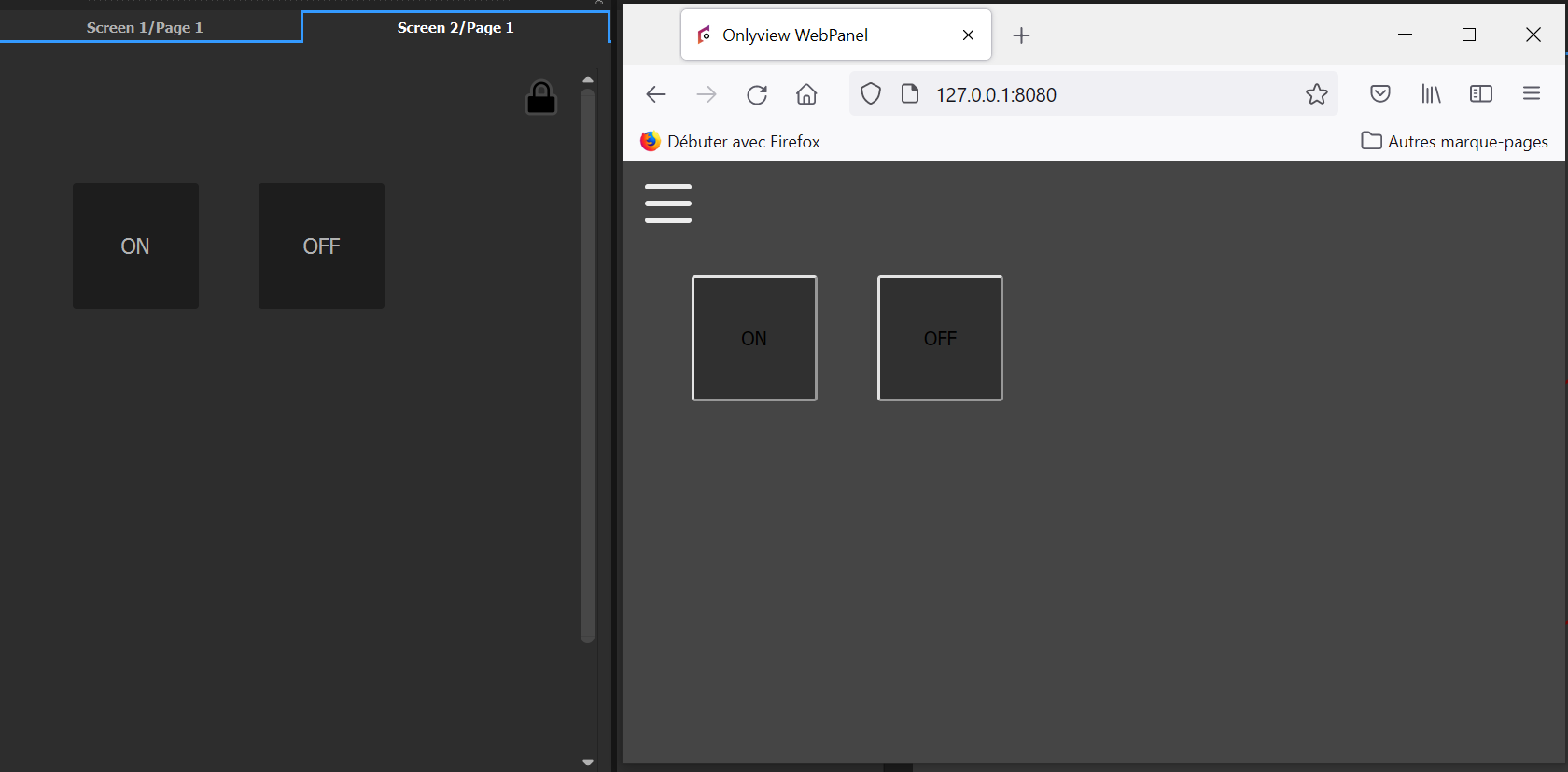
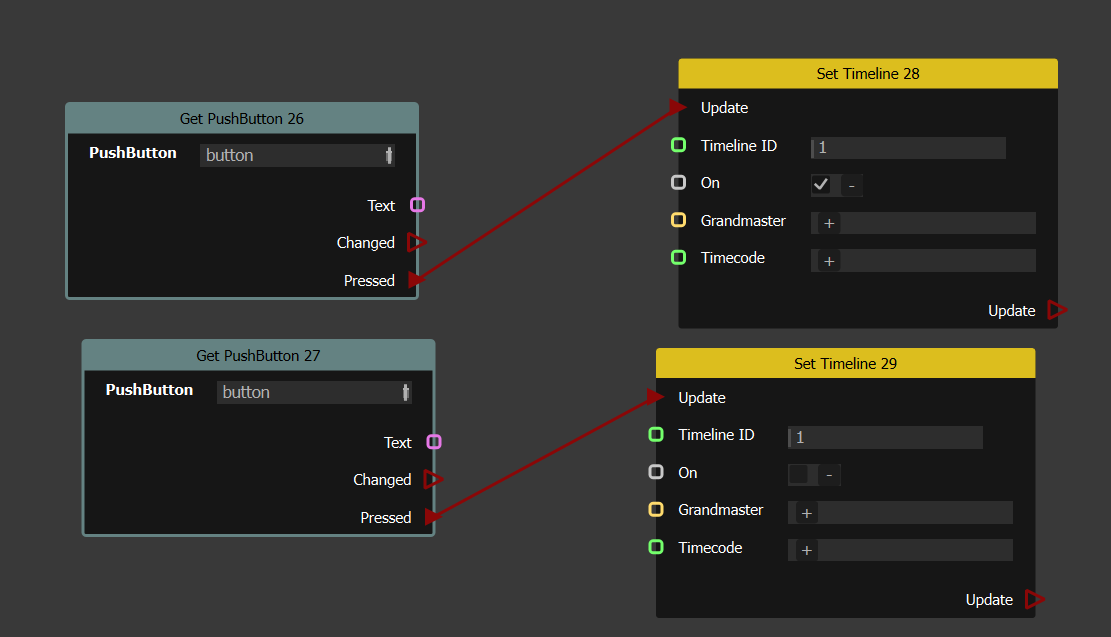
User interactions (like clicks on PushButtons and sliders) will be forwarded to Producer, and executed in the ActionGraph. For instance, the following graph will turn the 1rst Timeline on and off, depending on the pressed button:
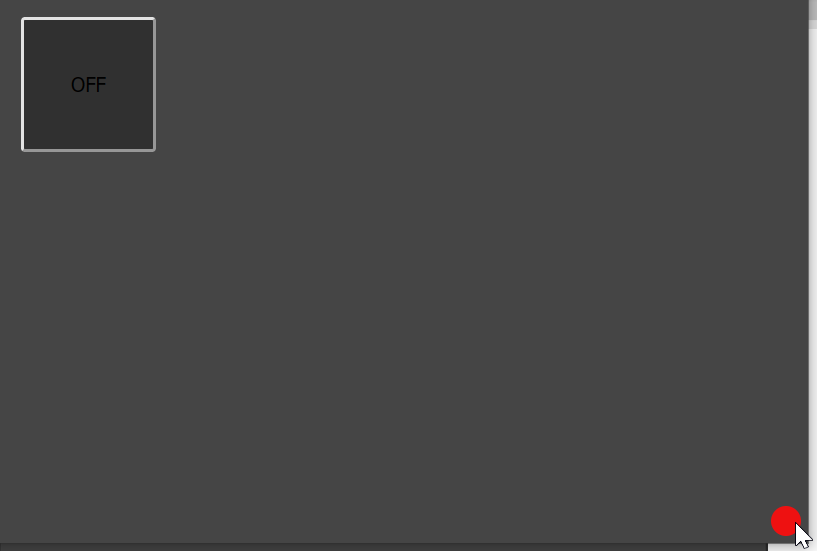
In case of a disconnection, the WebPanel will show a red dot, and will attempt regular re-connections:
Styling using CSS
You can place a CSS file called "style.css" next to your show (.olv), and the WebPanel will take it into account.
For instance, the following file will set the background color of the whole webpanel to white:
div .screen{
  background-color: white;
}
Or you can use a custom image, also placed in the show's folder:
div .page-Floor1{
  height: inherit;
  background-image: url("map-floor1.png");
}
Each element in the WebPanel has an ID, so you can use that to style a specific button:
#widget_1_1_2{
    font-size:20px;
}