Countdown
Onlyview usage
A countdown media displays a clock that can be used to foresee how many seconds remain before another cue starts playing, for instance:
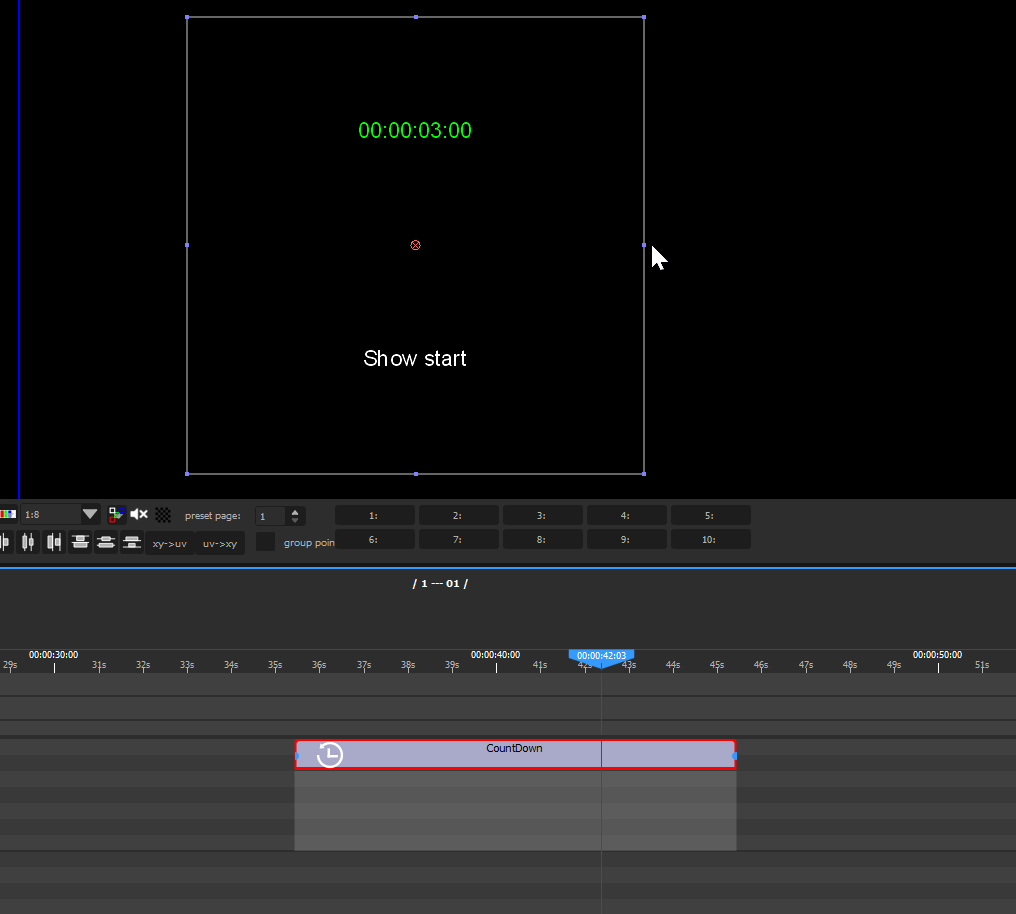
The countdown counts down over the duration of its own cue, so placing the countdown cue so that it ends where the next cue begins gives the remaining time before that cue starts.
Standalone or linked to a device
The media setup dialog offers two modes:
- Standalone — the media counts over its own cue, as described above.
- Link to Device — the media displays the current value of a CountDown device instead. Its own start and target times are ignored; the message, font, colours, format and size still apply.
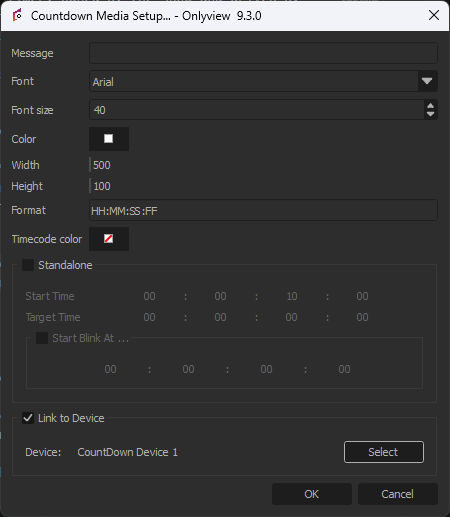
Use Standalone when the countdown is decided by the running order, and a linked media when the timer is driven live by an operator and must also appear on a screen output. See CountDown device or Countdown media? for the full comparison.