Animation
Animation
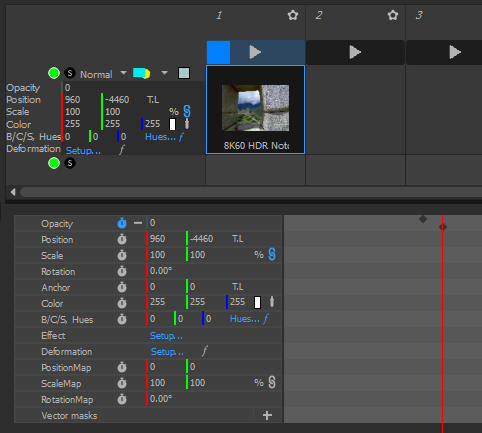
Most cue parameters can be animated over the duration of the cue, using keyframes. Changing an animated value automatically creates a new keyframe. To delete a keyframe, select it and press Suppr.
The way you turn animation on depends on the container:
- On a Timeline, animation is done inline, by clicking the stopwatch icon next to a parameter, and there are dedicated keyboard shortcuts (see the Timelines chapter). The inline animation makes it easy to build transitions such as crossfades directly on the timeline. It can also be done in the cue view.

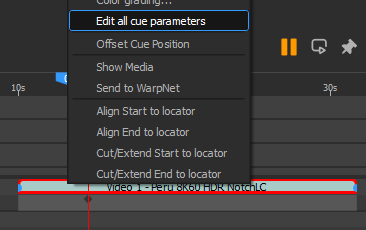
Accessing the cue view:
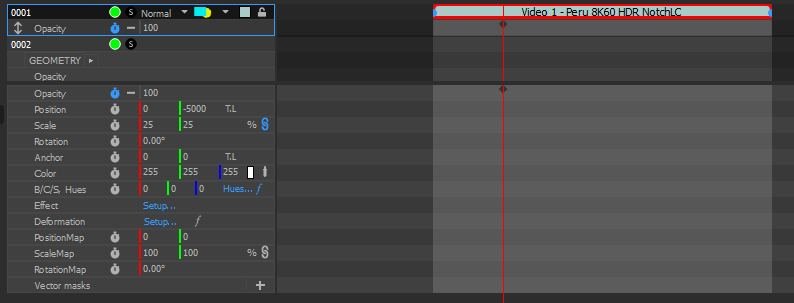
The full cue view with all the animatable parameters:
- On a Board, animation is done in the Cue view ("Edit all cue parameters"), since board cues do not have an inline timeline to draw the keyframes on.