Preset Boards
Preset boards
Boards have an additional feature that Timelines don't: preset boards.
A preset is a user-defined "appearance" of the show, represented as sequences in a dedicated Board. In this example, the Preset Board has 4 presets/sequences : Preset 1 has only a background; Preset 2 has the content TextureArea full-screen; Preset 3 has an SDI stream full-screen; and Preset 4 has two PiPs, one for the content TextureArea, the other for the SDI stream.
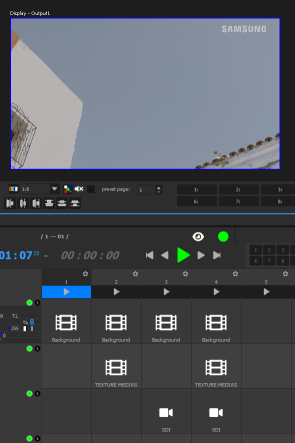
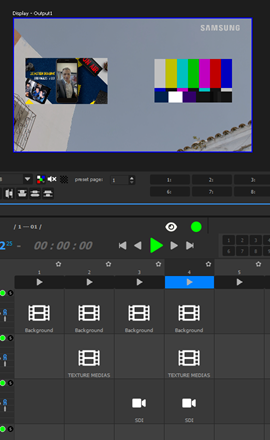
This allows you to quickly switch between appearances, depending on what must be shown on-stage.
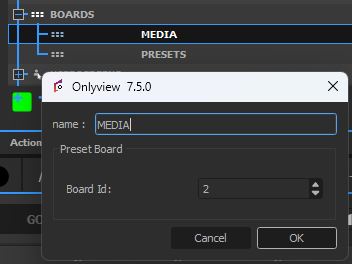
To define a Board as the "Preset Board" of another one, right-click on the desired Board in the OBJECTS tab, and select the desired Board.
At this point, the top of the UI will be accessible, with 10 buttons numbered from 1 to 10. Clicking on a number triggers the related preset/sequence. This way, you can keep your main Board with all your different media always visible, and quickly change the preset.

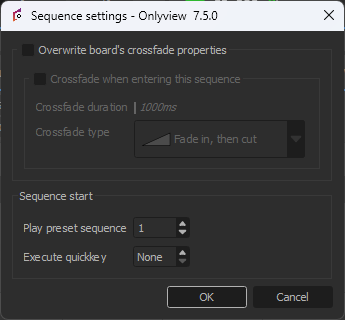
However, each sequence can also be configured to auto-start a specific preset:
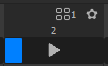
Once configured, the UI will make it clear that once triggered, Sequence 2 will also trigger the Preset 1:
It is possible to temporarily override this setting by right-clicking on the cue and selecting "Enqueue with preset":
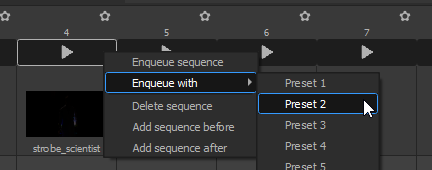
The top of the UI will then show that Sequence 4 is enqueued to play with Preset 2. It will play either when the current sequence ends, or when the user presses GO, which is the equivalent of the TAKE button of video mixers.

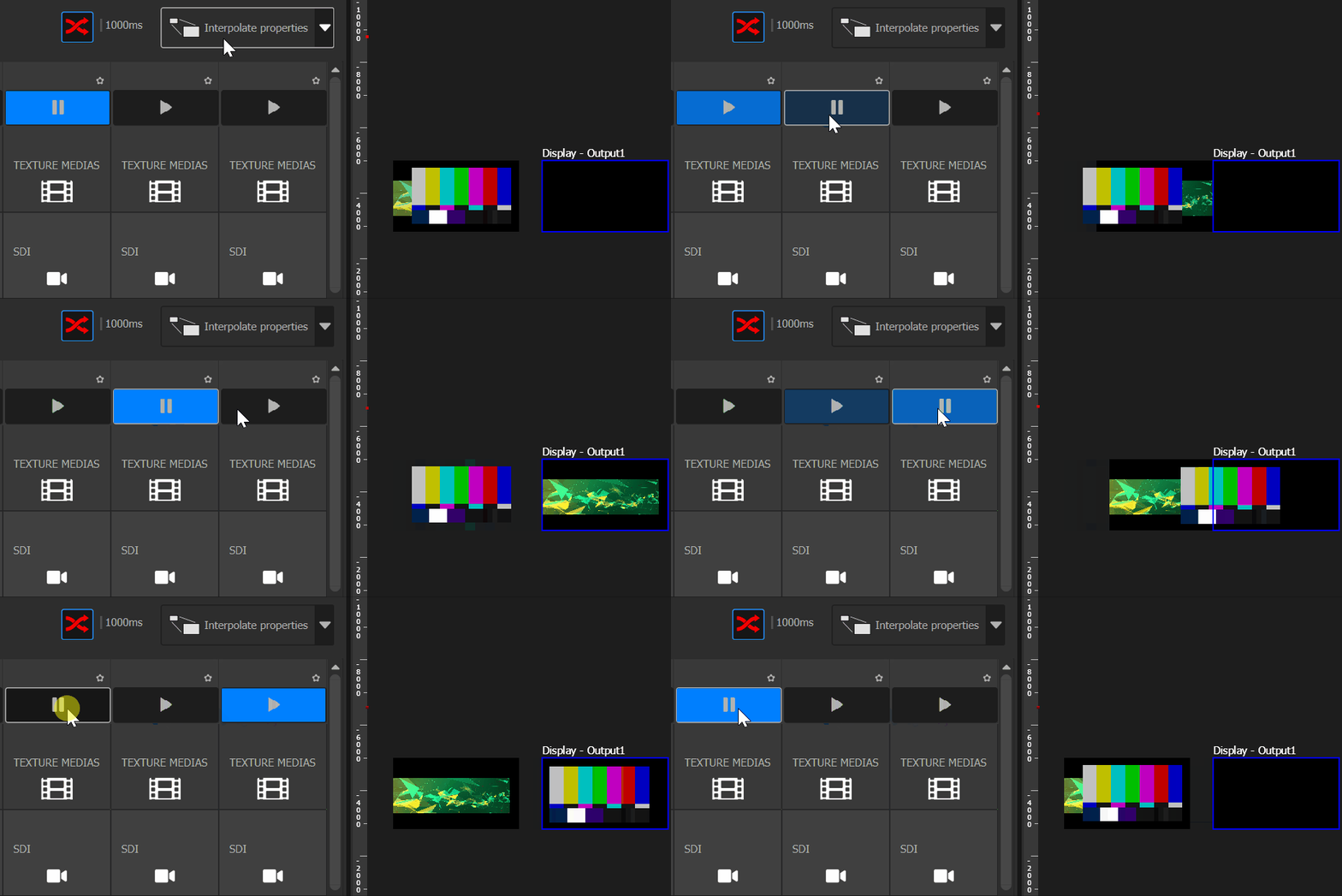
It can be interesting to set the Preset Board to auto-crossfade with the "Interpolate properties" crossfade mode. This will make it very easy to create custom in/out animations.